
Meme Generator
You save ₹1,500.00
MemeCrafter Pro: The Ultimate Multilingual Meme Generator
Welcome to MemeCrafter Pro, the most advanced meme generator tool on the web! Create hilarious, shareable memes in any language with our powerful editing suite. Whether you're looking to add text in English, Arabic, Chinese, or any other language, our tool has you covered.
Key Features
Multilingual Support
Add text in any language - from left-to-right scripts like English to right-to-left scripts like Arabic and everything in between.
Cartoon Effects
Transform your images with our advanced cartoon filter that gives your memes a unique, illustrated look.
Advanced Editing
Adjust brightness, contrast, apply filters, rotate, flip, and customize every aspect of your meme.
Mobile Friendly
Create memes on any device with our responsive design that works perfectly on desktop, tablet, and mobile.
Undo Functionality
Made a mistake? Use our undo feature to revert back to previous versions of your meme.
Face Transformations
Stretch faces, create big eyes, exaggerate hair, and apply other fun cartoon effects.
How to Use MemeCrafter Pro
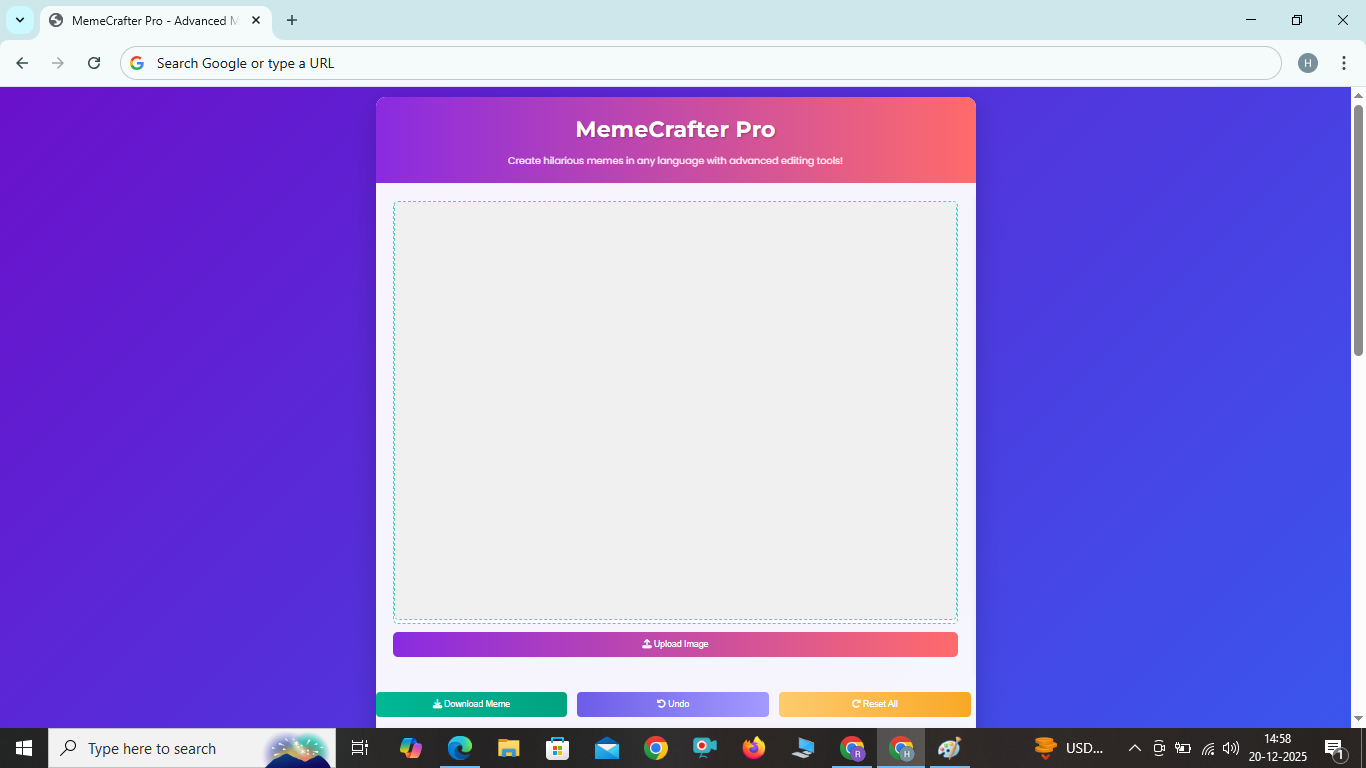
- Upload Your Image: Click the "Upload Image" button to select an image from your device.
- Add Text: Type your text in the input field, select your preferred font, size, and colors, then click "Add Text".
- Apply Effects: Use the filters section to apply cartoon effects or other filters to your image.
- Add Accessories: Click on the Accessories tab to add draggable elements like hats, glasses, and more.
- Edit Your Image: Adjust brightness and contrast, or rotate/flip your image as needed.
- Download Your Meme: Once you're happy with your creation, click the "Download Meme" button to save it to your device.
- Undo Changes: Made a mistake? Use the "Undo" button to revert your last action.
Frequently Asked Questions
Can I really use any language for my memes?
Yes! Our tool supports all languages and scripts, including right-to-left languages like Arabic and Hebrew, as well as complex scripts like Devanagari and Chinese characters.
How do I apply the cartoon effect?
Simply click the "Cartoon Effect" button in the Filters & Effects section. You can then choose from different cartoon styles like stretched face, round face, big eyes, or exaggerated hair.
How do I add accessories to my image?
Go to the Accessories tab and select the type of accessory you want to add. You can then drag and resize it to fit your image perfectly.
How does the undo feature work?
The undo feature allows you to revert your last action. You can undo multiple steps, all the way back to your original image.
Is MemeCrafter Pro completely free to use?
Yes! Our meme generator is 100% free with no hidden fees or watermarks on your downloaded memes.