
Markdown Master Pro
You save ₹2,200.00
Markdown Master Pro (wordpress plugin)
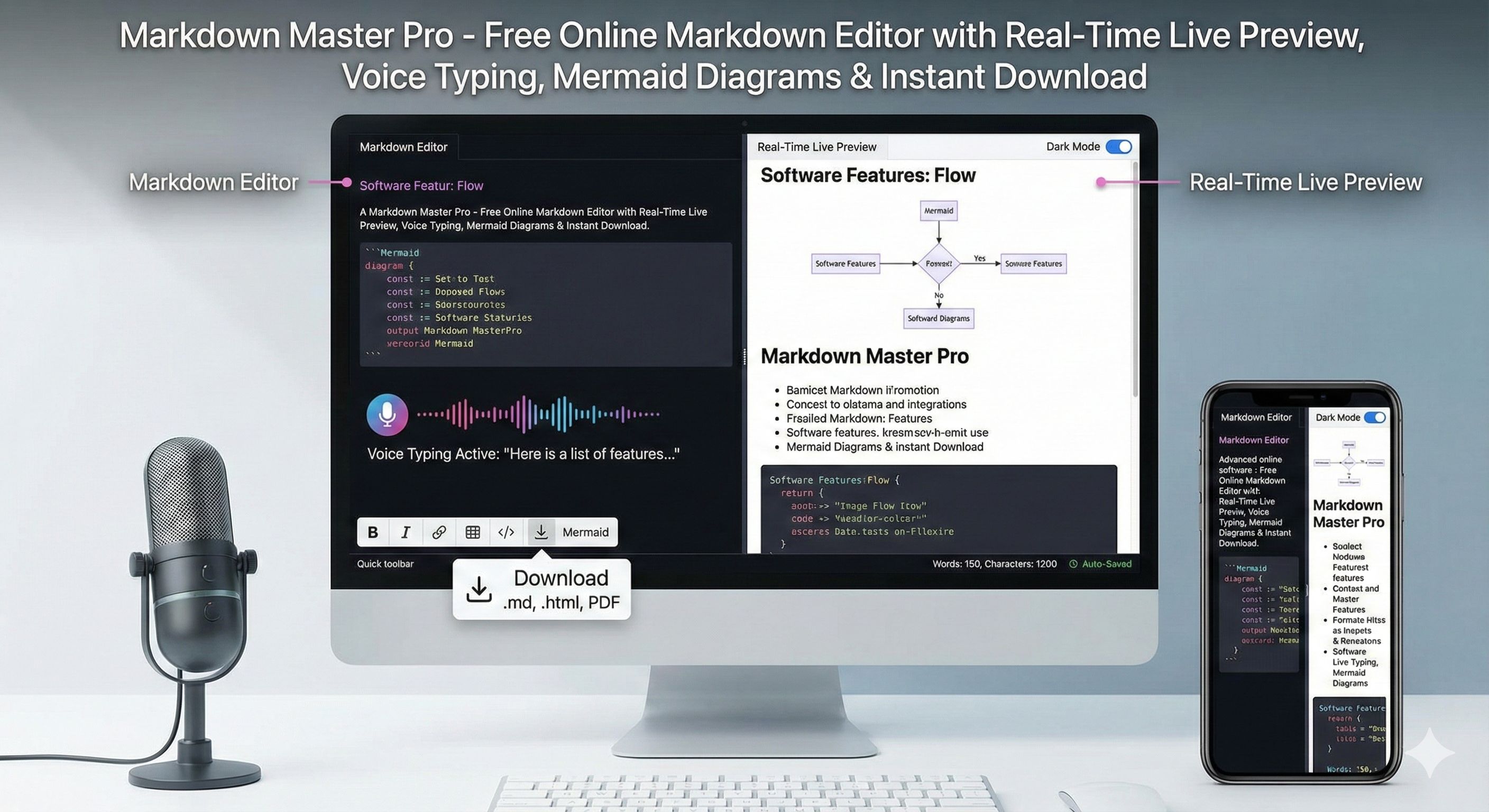
Free Online Markdown Editor with Real-Time Live Preview, Voice Typing, Mermaid Diagrams & Instant Download
Key Features of This Online Markdown Editor
- Real-time Live Preview – See formatted HTML instantly as you type.
- Syntax Highlighting – Powered by Highlight.js for 190+ languages.
- Mermaid Diagram Support – Flowcharts, sequence diagrams, Gantt charts rendered instantly.
- Voice Typing – Speak and convert speech to Markdown in real-time (Web Speech API).
- Dark/Light Theme Toggle – Easy on eyes with auto-highlight theme switching.
- Resizable Panes – Drag to adjust editor/preview width (desktop).
- Quick Toolbar – One-click bold, italic, links, tables, code blocks, Mermaid, etc.
- Auto-Save to Browser – Never lose work – restores on reload.
- Download Options – .md, .html, or Print/Save as PDF.
- Copy HTML – One-click copy rendered HTML to clipboard.
- Word & Character Count – Live stats in corner.
- Upload .md Files – Open existing Markdown files instantly.
- 100% Mobile Responsive – Perfect fit on iPhone, Android, iPad – no zoom, no horizontal scroll.
- No Server, No Data Collection – Everything runs in your browser – maximum privacy.
How to Use This Free Markdown Editor (Step-by-Step Guide)
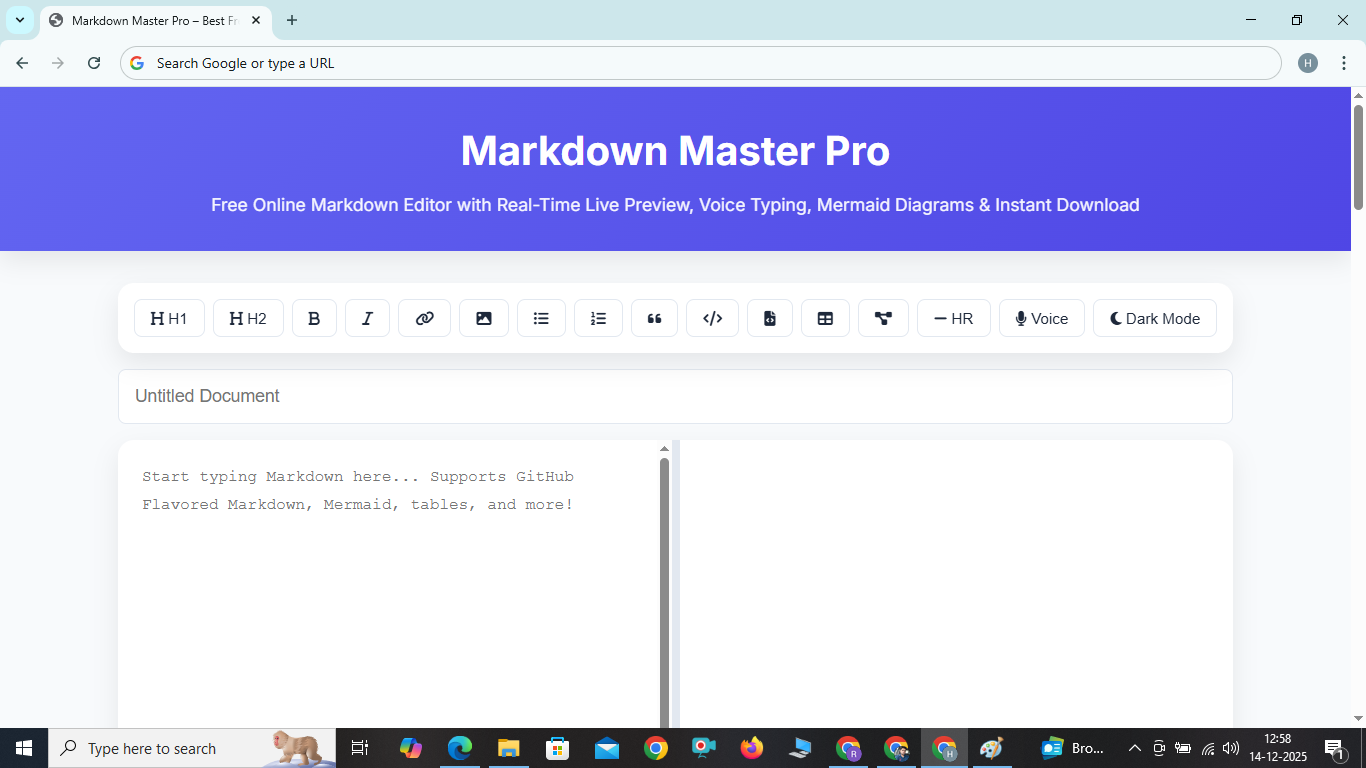
- Type or paste Markdown in the left pane.
- Watch instant formatted preview on the right (or below on mobile).
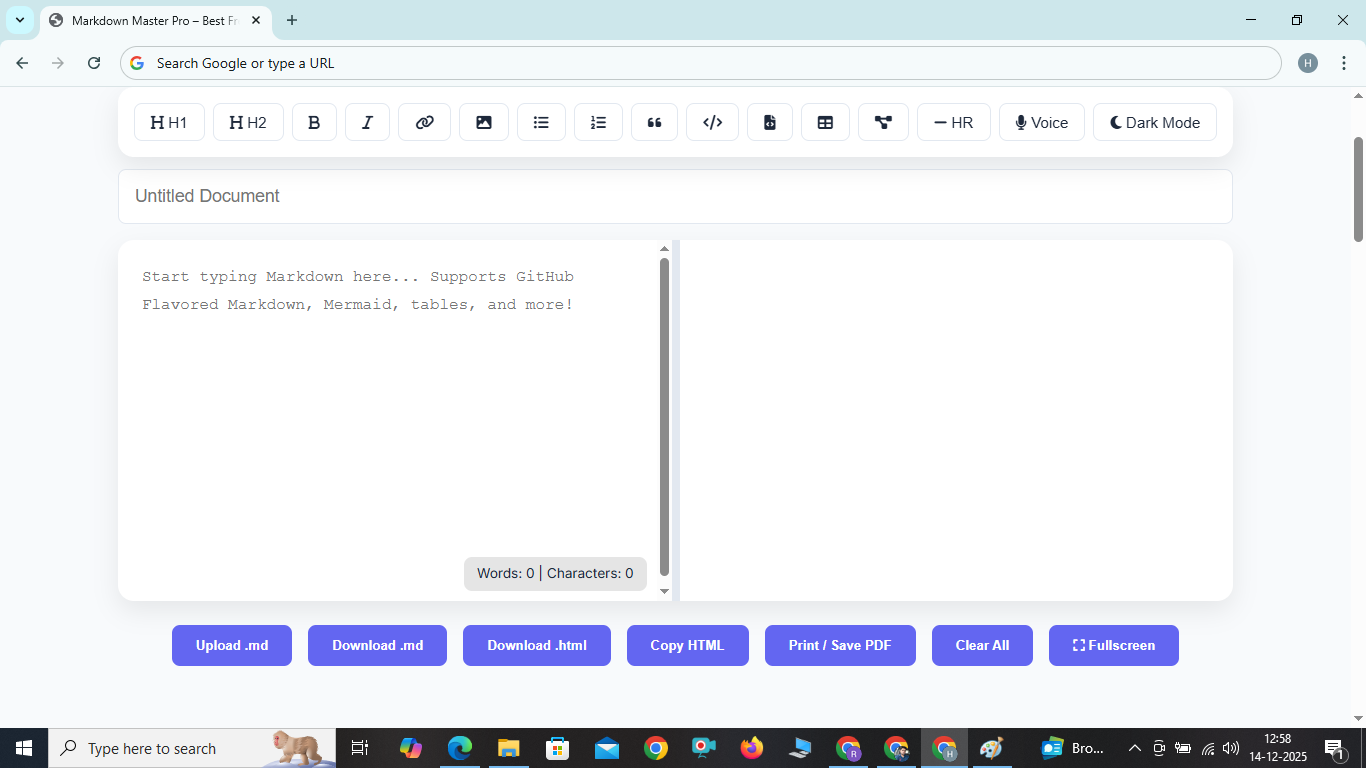
- Use toolbar buttons to insert formatting quickly.
- Click microphone for voice typing (Chrome/Edge recommended).
- Drag the center bar (desktop) to resize panes.
- Enter document title and click Download .md / .html.
- Click “Print / Save PDF” to export as PDF via browser print.
- Work is auto-saved – refresh and it restores!
Benefits of Using Markdown Master Pro – Why It’s the Best Markdown Editor in 2025
Unlike basic online Markdown editors, Markdown Master Pro is built with modern CSS Flexbox/Grid, Web Speech API, Mermaid.js, and zero external server calls. It loads in under 2 seconds, works offline (once cached), and feels like a native app. Perfect for bloggers, developers, students, technical writers, and anyone who loves clean, distraction-free writing.
No registration, no ads, no tracking – completely free forever. SEO-optimized article below helps Google rank this tool higher for “online markdown editor live preview” searches.
Frequently Asked Questions (FAQ) – Online Markdown Editor
Q: Is this Markdown editor really free?
A: Yes, 100% free, no hidden fees, no premium version.
Q: Does it work offline?
A: Yes – after first load, CDNs cache in browser. All processing is client-side.
Q: Is my content private?
A: Absolutely. Nothing is sent to any server.
Q: Can I use it on mobile?
A: Yes – specially optimized. Editor and preview stack perfectly, toolbar wraps cleanly.
Q: Does it support Mermaid diagrams?
A: Yes! Just wrap in ```mermaid ... ```
Q: How to add a table?
A: Click the table button or type Markdown table syntax – renders beautifully.
Q: Voice typing in Hindi/Indian languages?
A: Change recognition.lang = 'hi-IN' in console for experimental support.
Q: Why is the preview so fast?
A: Debounced updates + DOMPurify sanitization + efficient Marked parser.
Q: Can I export to PDF?
A: Yes – click “Print / Save PDF” and choose “Save as PDF” in print dialog.