
FAVICON GENERATOR Software
You save ₹2,000.00
Favicon Generator (wordpress plugin)
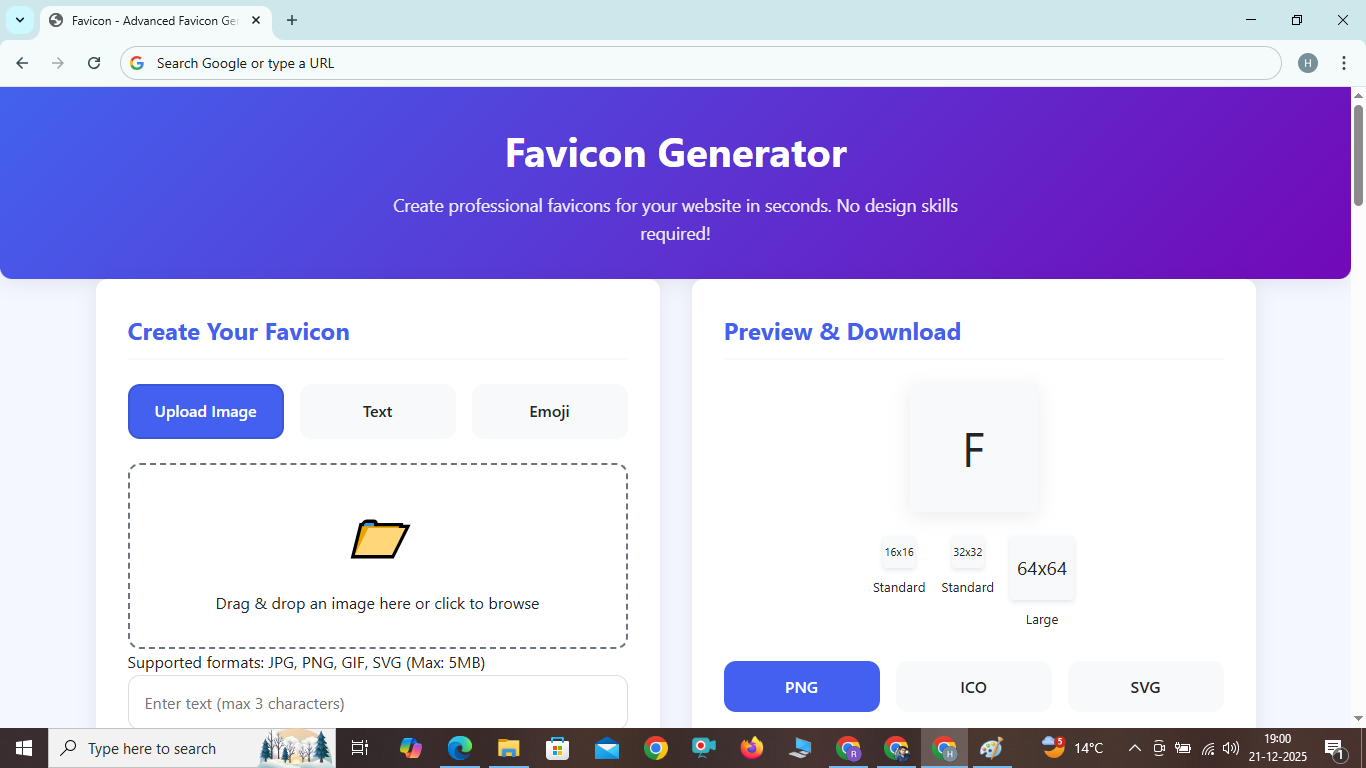
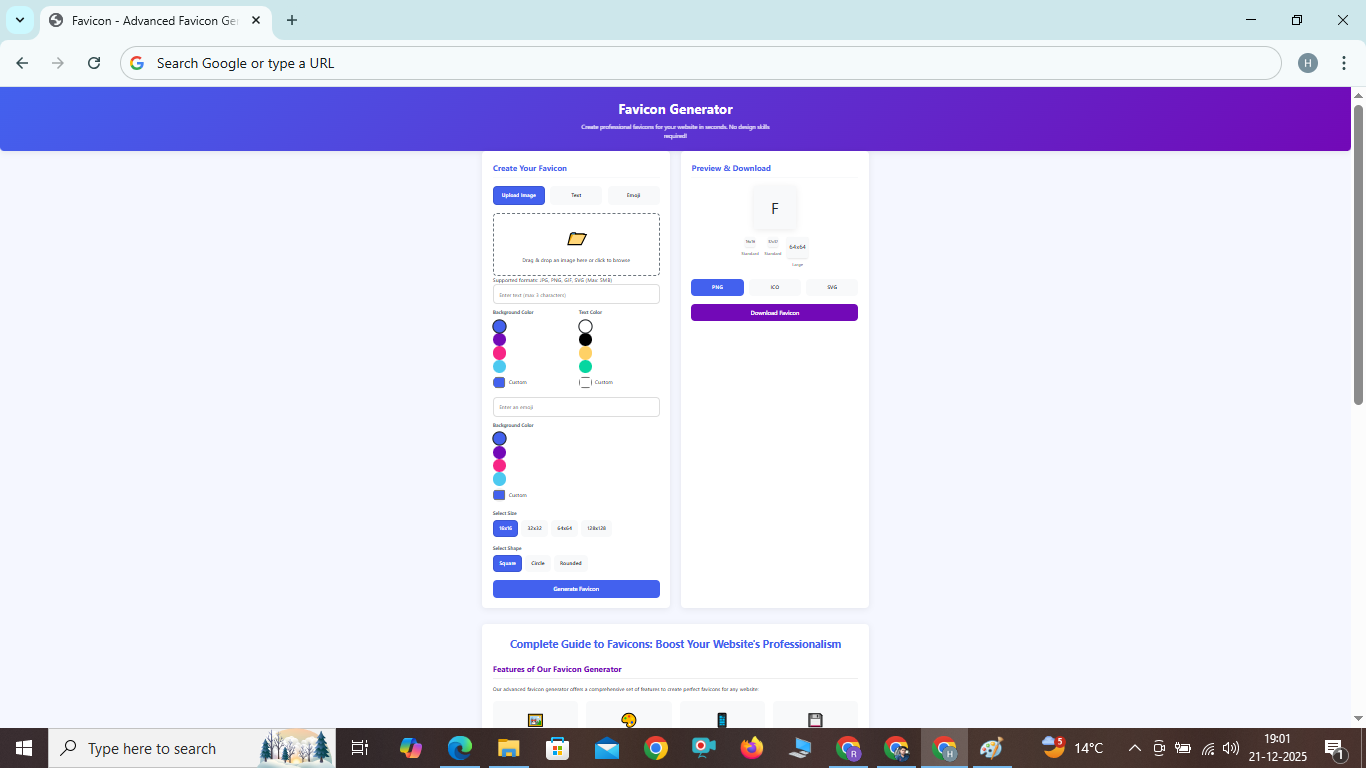
Create professional favicons for your website in seconds. No design skills required!
Complete Guide to Favicons: Boost Your Website's Professionalism
Features of Our Favicon Generator
Our advanced favicon generator offers a comprehensive set of features to create perfect favicons for any website:
????️
Multiple Input Methods
Upload images, create from text, or use emojis to design your perfect favicon.
????
Custom Color Options
Choose from predefined colors or use custom color pickers for complete control.
????
Multiple Size Support
Generate favicons in all standard sizes (16x16, 32x32, 64x64) for various devices.
????
Multiple Format Export
Download your favicon in PNG, ICO, or SVG format based on your needs.
How to Use Our Favicon Generator
Creating a professional favicon has never been easier. Follow these simple steps:
Step 1: Choose Your Creation Method
Select from three different methods to create your favicon:
- Upload Image: Upload an existing image from your device
- Text: Create a text-based favicon with custom colors
- Emoji: Use emojis as the basis for your favicon design
Step 2: Customize Your Design
Depending on your chosen method, customize colors, size, and other parameters to match your website's branding.
Step 3: Preview and Download
See your favicon in different sizes and download it in your preferred format (PNG, ICO, or SVG).
Benefits of Using a Professional Favicon
A well-designed favicon offers numerous advantages for your website:
Enhanced Brand Recognition
Favicons serve as miniature versions of your logo, helping users quickly identify your website in browser tabs, bookmarks, and history.
Improved User Experience
Users can navigate between multiple tabs more efficiently when each has a distinctive favicon, reducing confusion and improving usability.
Professional Appearance
Websites with custom favicons appear more professional and established compared to those using generic browser icons.
SEO Benefits
While favicons don't directly impact search rankings, they contribute to better user engagement metrics, which can indirectly benefit SEO.
Frequently Asked Questions
What is a favicon and why is it important?▼
A favicon (favorite icon) is a small, 16x16 pixel icon that represents your website in browser tabs, bookmarks, and history. It's important because it enhances brand recognition, improves user experience, and makes your website look more professional.
What are the recommended favicon sizes?▼
The standard favicon size is 16x16 pixels, but modern websites often use multiple sizes: 16x16 for browser tabs, 32x32 for high-resolution displays, and 64x64 for desktop shortcuts. Our generator creates all these sizes automatically.
Which format should I use for my favicon?▼
For maximum compatibility, use ICO format. For modern browsers, PNG works well and offers better quality. SVG is ideal for responsive designs but has limited browser support. Our generator supports all three formats.
How do I add a favicon to my website?▼
To add a favicon to your website, upload the generated favicon.ico file to your website's root directory and add the following code to the <head> section of your HTML: <link rel="icon" type="image/x-icon" href="/favicon.ico">
Can I use text or emojis for my favicon?▼
Yes! Our generator allows you to create text-based favicons (up to 3 characters) or use emojis as the basis for your design. This is perfect for creating simple, recognizable icons without needing graphic design skills.