

Color craft , Color generator , color picker software
You save ₹2,000.00
Color craft , Color generator , color picker software (wordpress plugin)
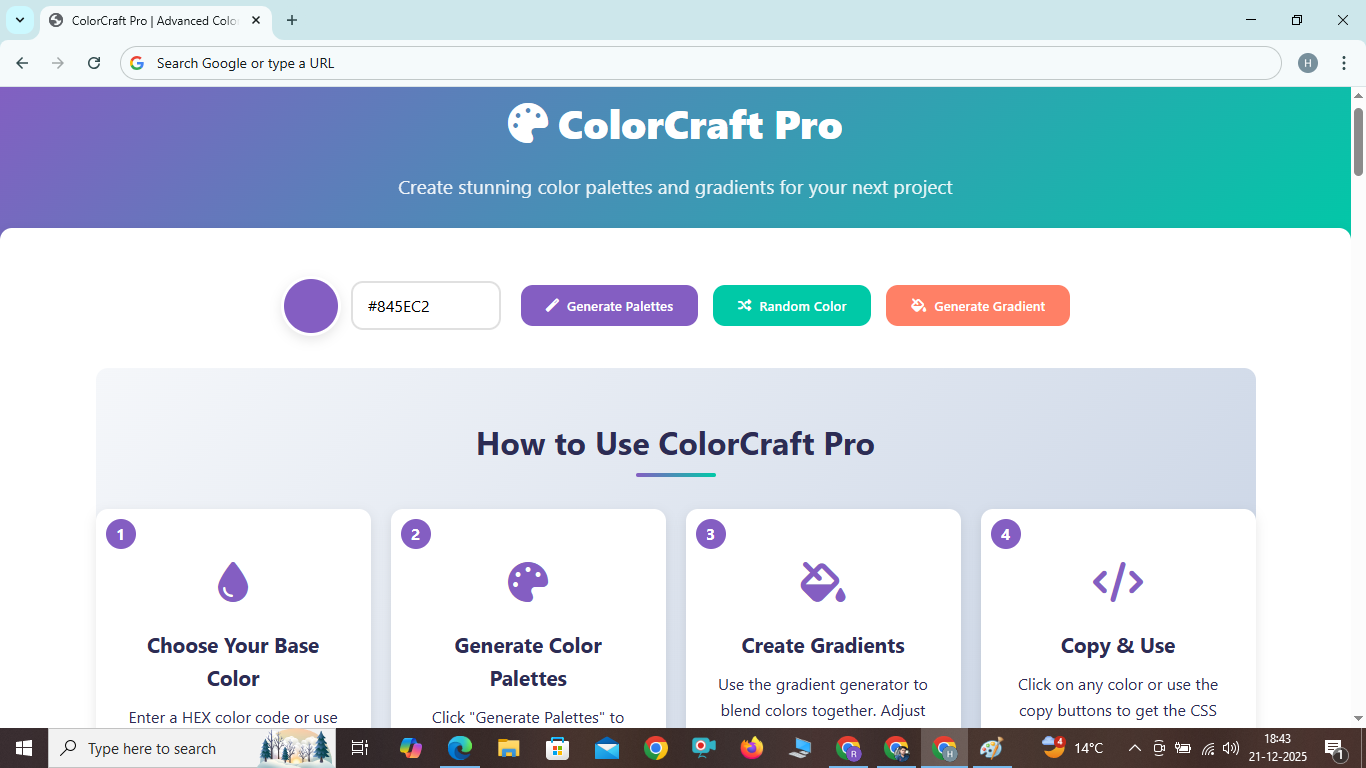
Create stunning color palettes and gradients for your next project
How to Use ColorCraft Pro
1
Choose Your Base Color
Enter a HEX color code or use the color picker to select your base color. This will be the starting point for all generated palettes.
2
Generate Color Palettes
Click "Generate Palettes" to create various color schemes based on your base color, including complementary, analogous, and more.
3
Create Gradients
Use the gradient generator to blend colors together. Adjust the colors and copy the CSS code for your projects.
4
Copy & Use
Click on any color or use the copy buttons to get the CSS code. Paste it directly into your stylesheets.
Mastering Color Theory: A Complete Guide to Creating Beautiful Color Palettes
Color is one of the most powerful tools in a designer's arsenal. It can evoke emotions, create visual hierarchy, and establish brand identity. In this comprehensive guide, we'll explore how to create stunning color palettes that will elevate your designs.
Key Features of ColorCraft Pro
Smart Palette Generation
Our algorithm creates harmonious color combinations based on color theory principles.
Gradient Creator
Generate beautiful gradients with 2 or 3 colors and get ready-to-use CSS code.
CSS Export
Copy CSS code for any palette or gradient with a single click.
Fully Responsive
Works perfectly on all devices from desktop to mobile.
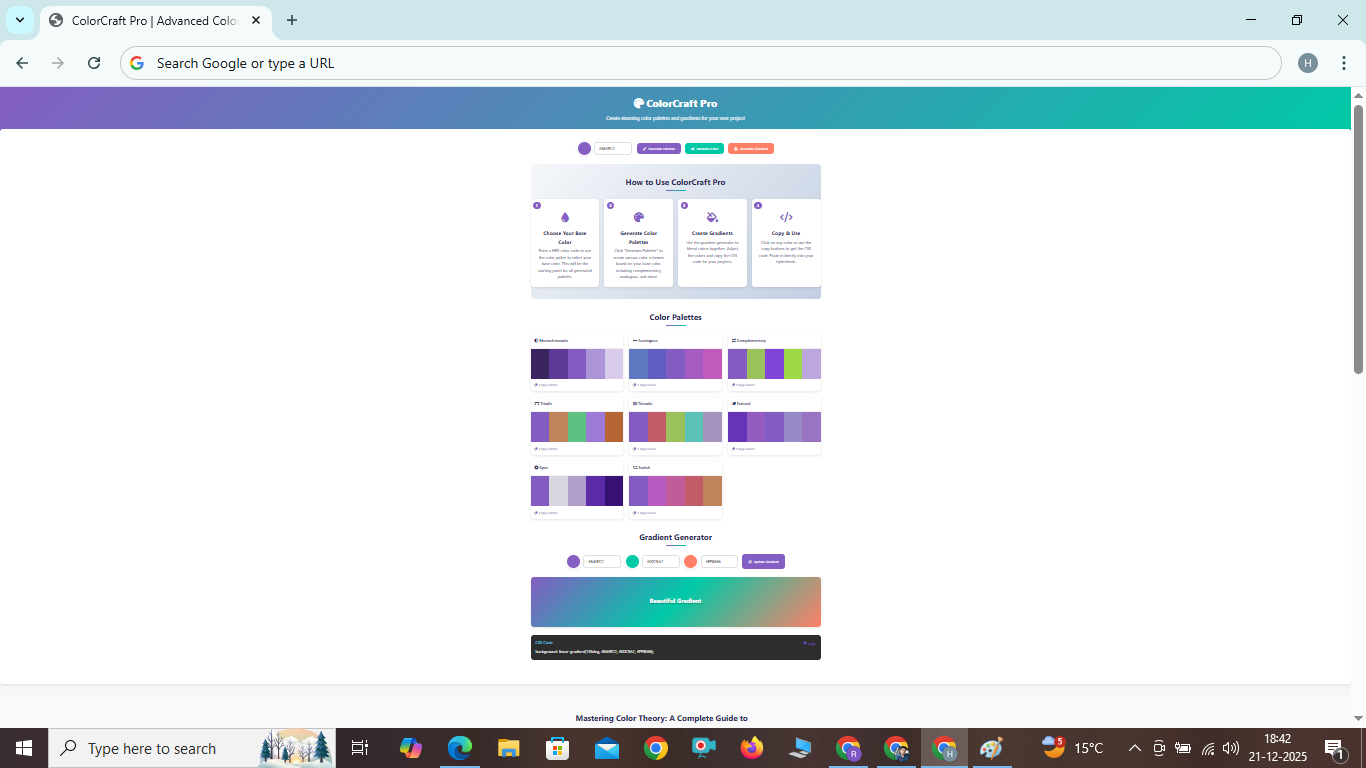
How to Use ColorCraft Pro - Step by Step
Using our color palette generator is simple and intuitive. Follow these easy steps to create beautiful color schemes:
Step 1: Choose Your Base Color
Start by entering a HEX color code in the input field (like #845EC2) or click on the color preview to use a color picker. This will be your starting color for all generated palettes.
Step 2: Generate Color Palettes
Click the "Generate Palettes" button to create various color schemes based on your base color. You'll see different palette types like monochromatic, complementary, analogous, and more.
Step 3: Explore Different Palette Types
Browse through the generated palettes. Each palette type has a different approach to color harmony:
- Monochromatic: Variations of your base color
- Analogous: Colors next to each other on the color wheel
- Complementary: Colors opposite each other on the color wheel
- Triadic: Three colors evenly spaced on the color wheel
Step 4: Create Gradients
Use the gradient generator to blend colors together. You can adjust the three color stops to create custom gradients. The CSS code updates in real-time.
Step 5: Copy and Use Your Colors
Click on any color in a palette to copy its HEX code, or use the "Copy Colors" button to get all colors from a palette as CSS variables. For gradients, use the "Copy" button to get the ready-to-use CSS code.
Benefits of Using a Color Palette Generator
Creating harmonious color schemes manually can be challenging. Here's why using a tool like ColorCraft Pro can help:
Time Efficiency: Generate professional color schemes in seconds instead of hours.
Color Theory Expertise: Our algorithms are based on established color theory principles.
Consistency: Ensure color consistency across all your design projects.
Accessibility: Create color combinations that are accessible to people with color vision deficiencies.
Inspiration: Discover color combinations you might not have considered.
Frequently Asked Questions
What is a color palette?
A color palette is a collection of colors that work well together and are used consistently in a design project to create visual harmony.
How many colors should be in a palette?
Most effective color palettes contain 3-5 colors: a dominant color, secondary color, and accent colors.
What are the different types of color palettes?
Common palette types include monochromatic, analogous, complementary, split-complementary, triadic, and tetradic.
How do I choose a base color?
Start with a color that represents your brand or the emotion you want to evoke. You can also use our random color generator for inspiration.
Can I use these colors for commercial projects?
Yes, all colors generated by our tool are free to use in any personal or commercial projects.